
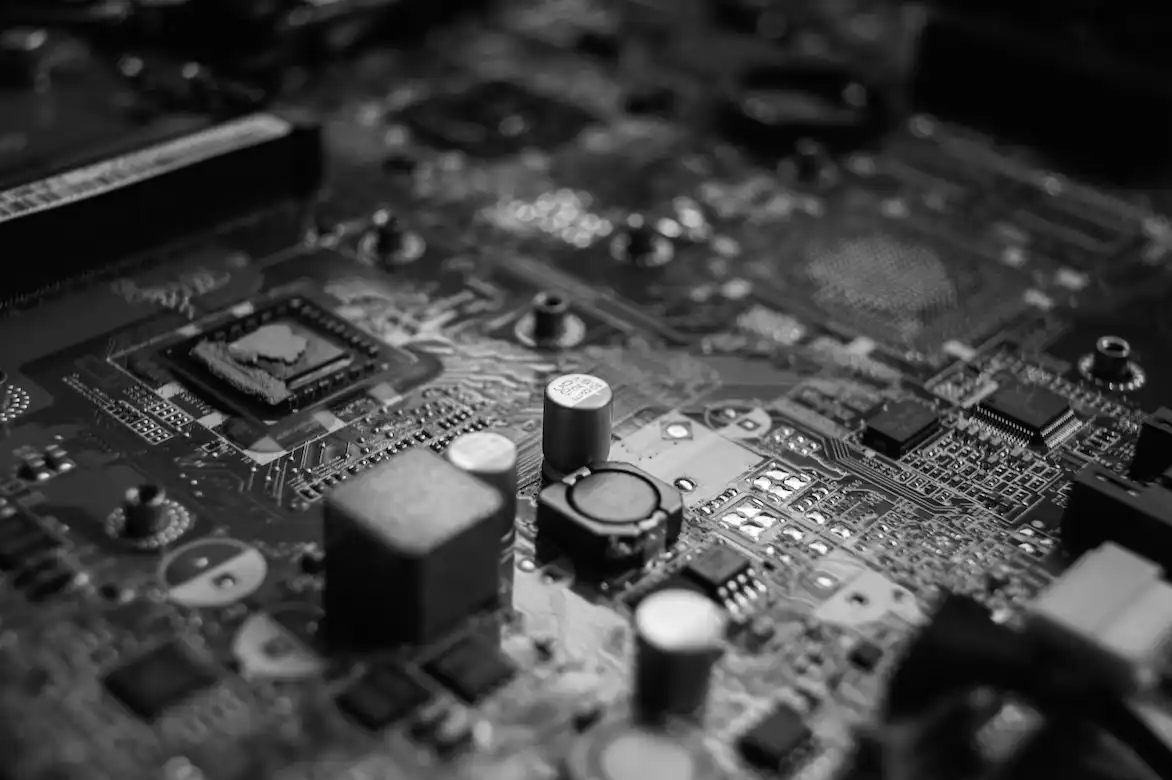
As its name suggests, the motherboard is the main part of a computer. Almost every part of the computer will be linked to the motherboard in some way. So, it’s crucial to make sure your computer has a strong and dependable motherboard.
Leading manufacturers of motherboards, including ASUS and Gigabyte, are always used in our systems. A motherboard’s built-in features include peripheral card slots, Gaming PC Bundle CPU sockets, expansion slots, and other things.
To assist you, we’ve included a few definitions of individual motherboard components:
USB PORTS
USB (Universal Serial Bus) ports make it simple to connect peripherals like a printer, scanner, webcam, cable modem, mobile phone, portable hard disc, and other devices to your computer. As a result, numerous USB ports for future connectivity are recommended.
PCI PORTS
PCI (Peripheral Component Interconnect) ports are found on motherboards. These ports are used to connect items such as the network/wireless card, USB card, sound card, and so on.
PCI EXPRESS PORTS
Many PCI Express (Peripheral Component Interconnect) ports are available on motherboards. PCI-E items such as graphics cards, network/wireless cards, USB cards, and streaming cards are connected to PCI Express ports.
M.2
M.2 is a new technology that is a specification for interconnecting expansion cards. It replaces the mSATA standard and is better suited for solid-state storage, especially in small devices like Ultrabook and tablets.
SERIAL ATA (SATA)
The SATA interface (Serial Advanced Technology Attachment) is used to connect hard drives and optical drives to the motherboard. The speed began at 150 Mb/s and has since increased to 300 Mb/s and, finally, 600 Mb/s (ATA 600). SATA (which replaces the ATA interface) improves airflow by using thin cables and eliminates the need for a master/slave configuration. SATA promises a faster interface in the future.
PS/2:
Some motherboards still include PS/2 ports, which are typically used by people who want to continue using previous peripherals that do not support USB.PS/2 ports were popularised by IBM in the 1990s as the primary connection for your keyboard and mouse. USB has rapidly replaced it.
NVMe
NVM Express (Non-Volatile Memory Express) is a logical device interface specification that allows non-volatile storage media to be accessed via a PCI Express (PCIe) bus. This technology improves the performance of SSDs in a variety of ways.